Fix Instagram "Invalid user id" Collaborator Errors
How to fix Instagram collaborator username errors when publishing from SocialBu.
Written By Umar Khan
Last updated 18 days ago
You may see Unable to upload the media: Invalid user id when Instagram rejects one of the collaborator usernames added to a post.
Why it happens
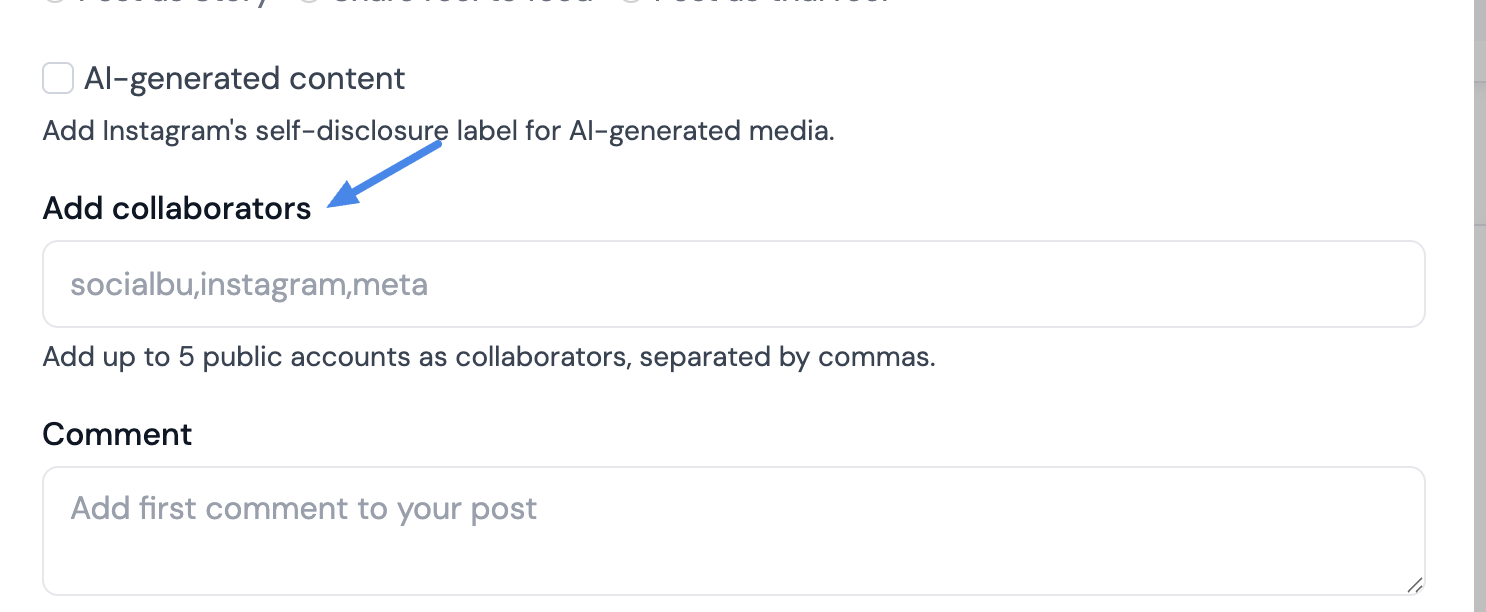
SocialBu sends Instagram collaborators through Instagram's official publishing API. The post can fail if a collaborator username is not valid or cannot be used by Instagram for that post.
Common causes include:
The username is misspelled or does not exist.
The account is private or cannot be tagged as a collaborator.
The account has restricted tags, mentions, or collaborations.
More than 5 collaborator usernames were added.
The post is being published as a Story. SocialBu does not send collaborator settings for Instagram Stories.
How to fix it
Copy the exact username from Instagram and paste it into SocialBu.
Remove the @ symbol if you added one.
Ask the collaborator to allow tags or collaborations and make sure the account is public.
Keep the collaborator list to 5 usernames or fewer, separated by commas.
Try publishing again without collaborators. If it publishes successfully, one of the collaborator usernames is the cause.
When to contact support
If the post still fails after checking the collaborator usernames, contact SocialBu support and include the Instagram account, collaborator usernames, post type, and the exact error message.
Need More Help?
If you have any other concerns or questions, email us at support@socialbu.com.