Link shortening through SocialBu
Written By Ghina Rehman
Last updated 4 months ago
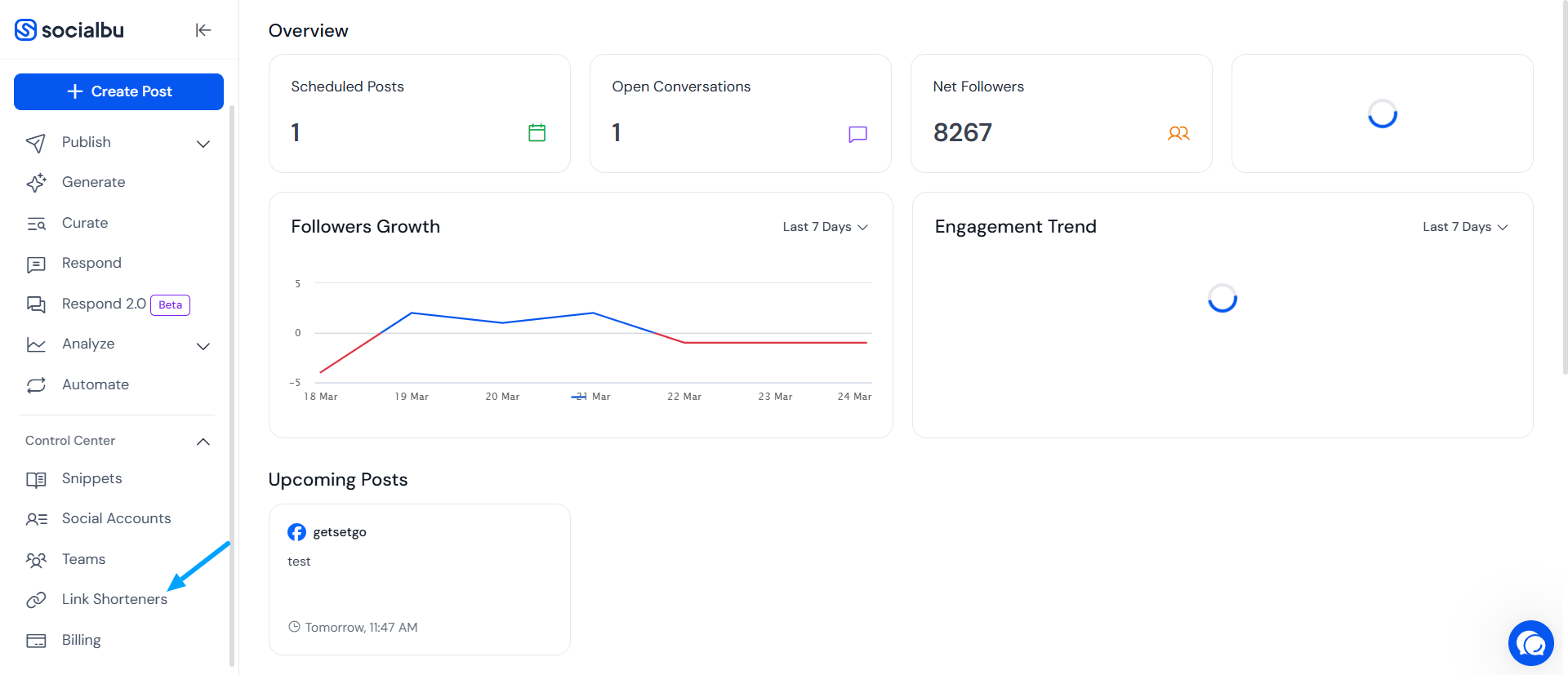
To shorten your link, make sure your account for LinkMngr or Bitly is connected. Now, you need to go to the Control Center > Link Shortener in SocialBu
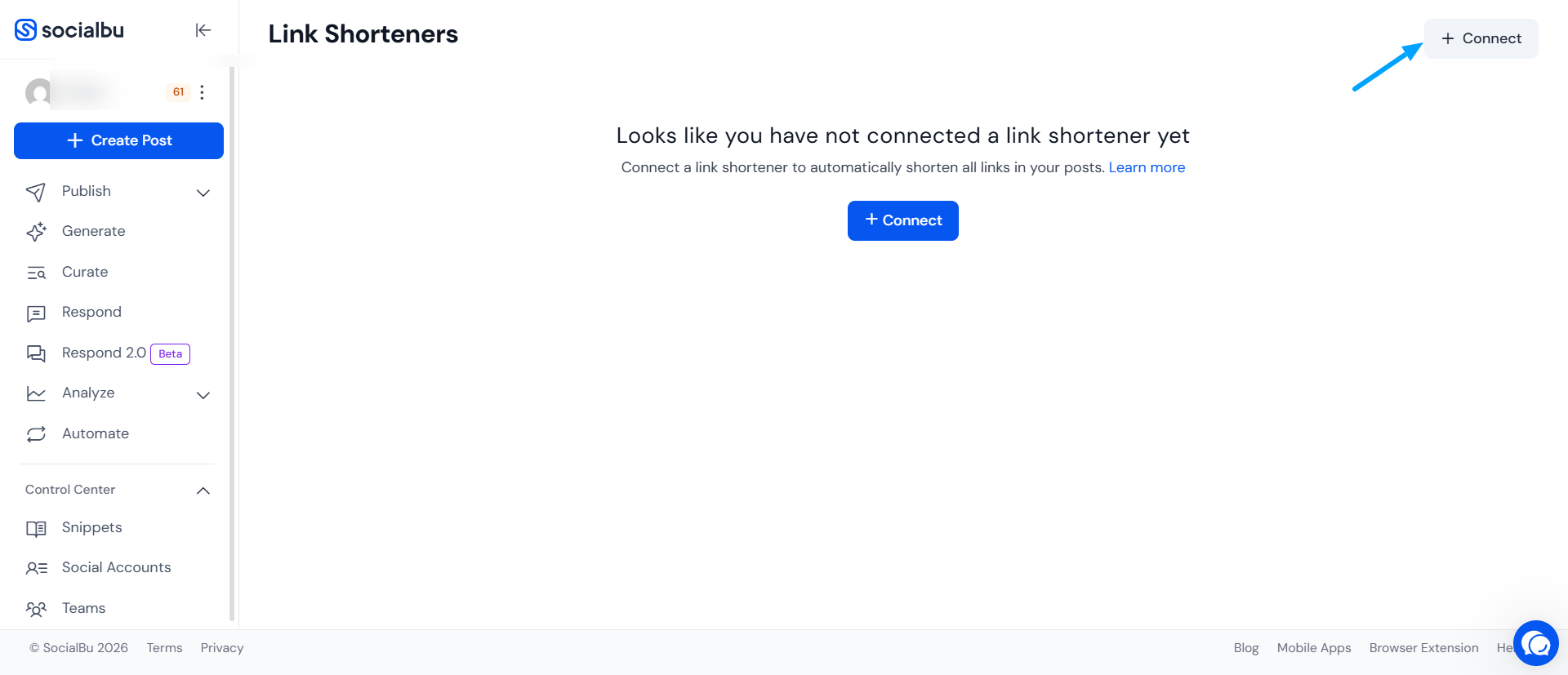
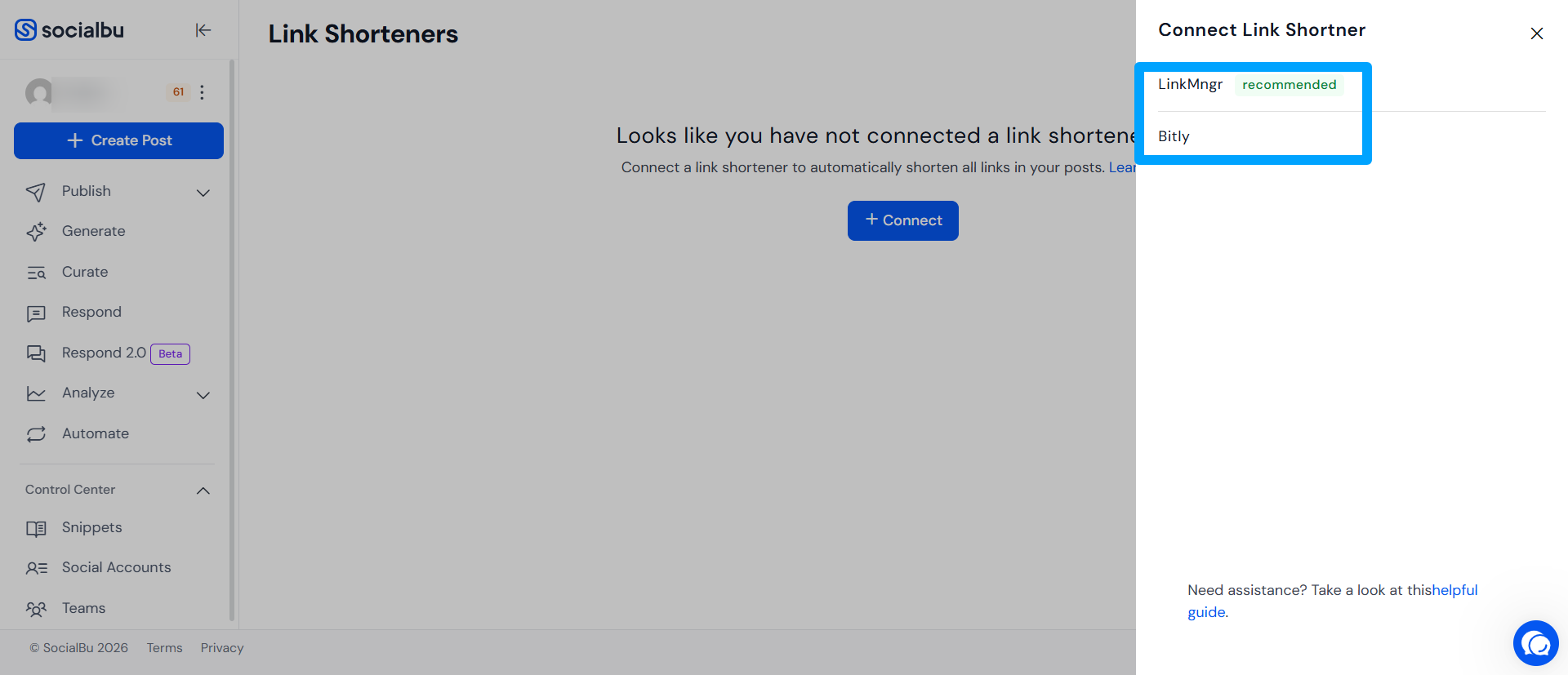
Click Connect, and choose the platform you want to use for shortening links (LinkMngr or Bitly).
Then, add the social accounts for which you want to shorten links, you can add multiple accounts if needed. Once done, set up the remaining details such as Query or UTM parameters, and click Save.
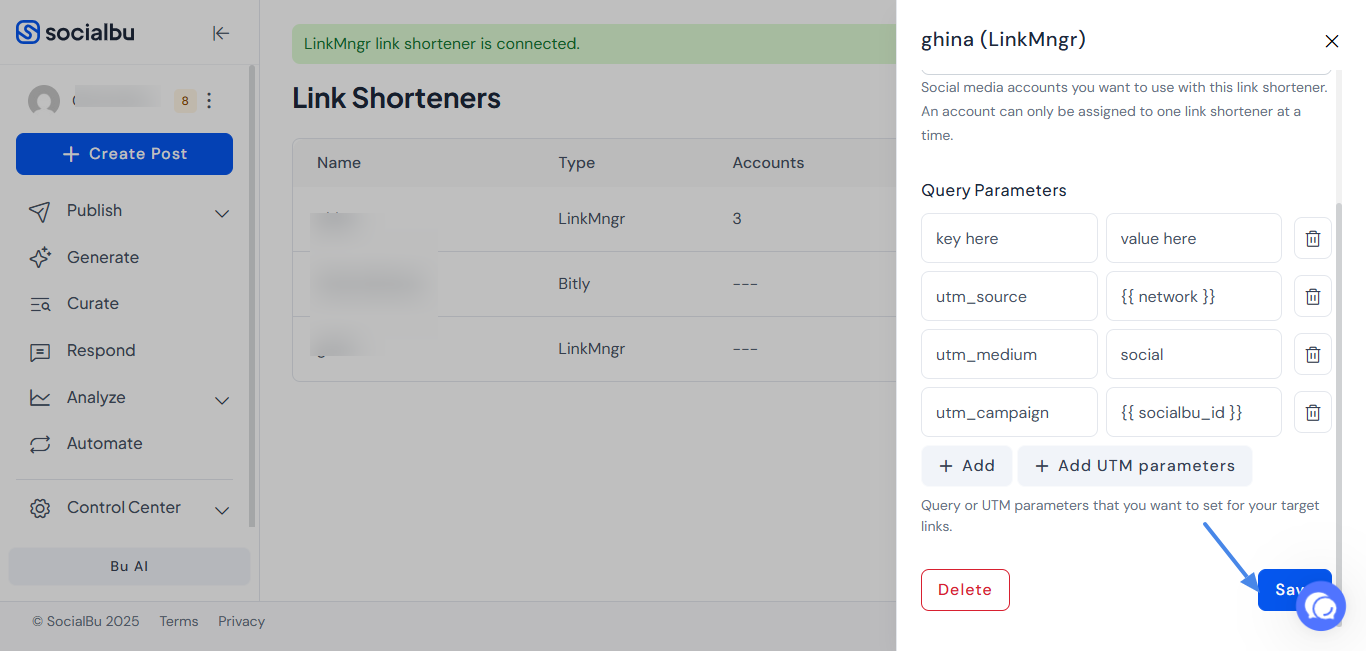
Make sure the account you selected for your post is also selected in the Link Shortener section.
Now you’re ready to create your post! Go to the Post Composer, select your account(s), and add the long link; it will be automatically shortened.
Need Further Assistance?
Please reach out to support@socialbu.com in case of any confusion or concern.