Understanding the "History" section
SocialBu makes it easy to keep track of all your published content across your connected social media accounts. You can find all your published posts in two main sections: the Calendar and History.
Written By Farwa kazim
Last updated 4 months ago
Viewing Published Posts in History
The History section provides a list-style view of all your published posts, making it easy to browse through your content chronologically or search for specific posts.
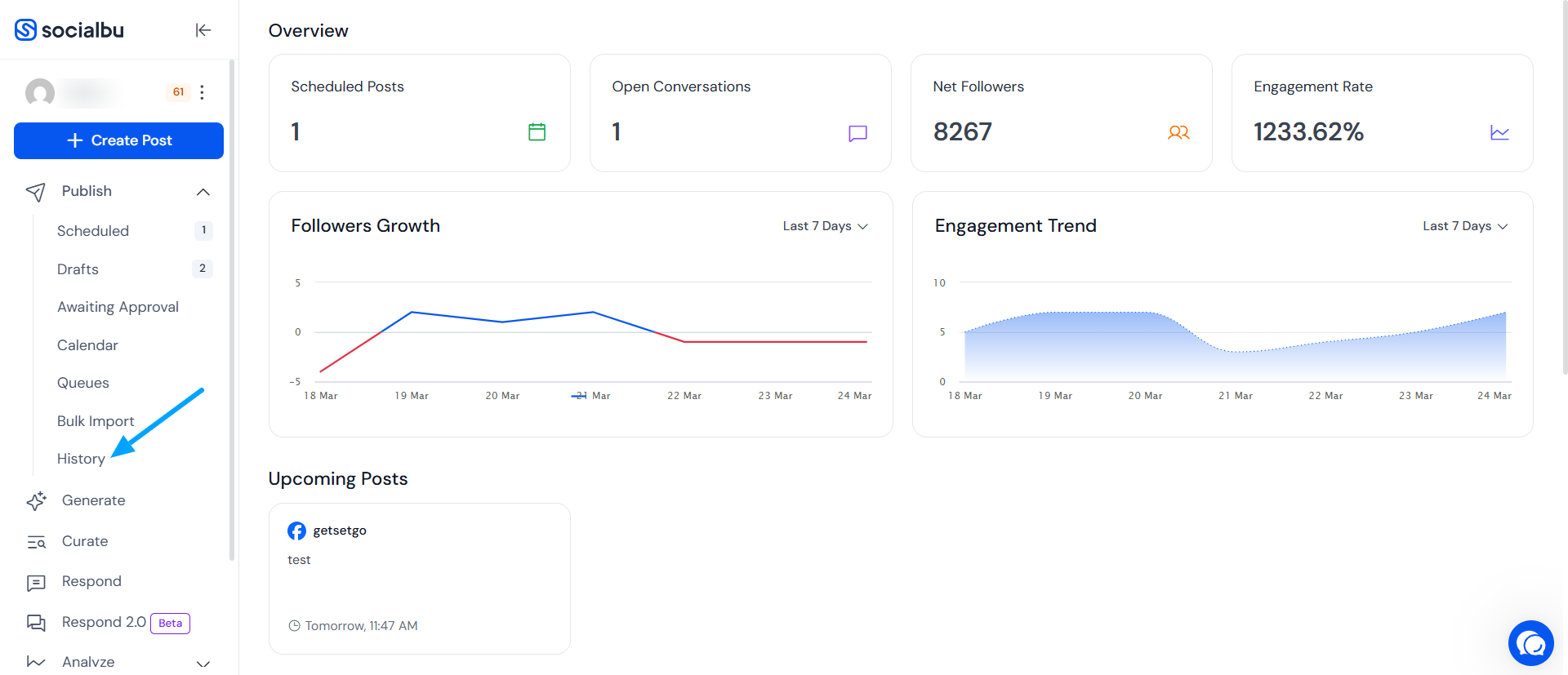
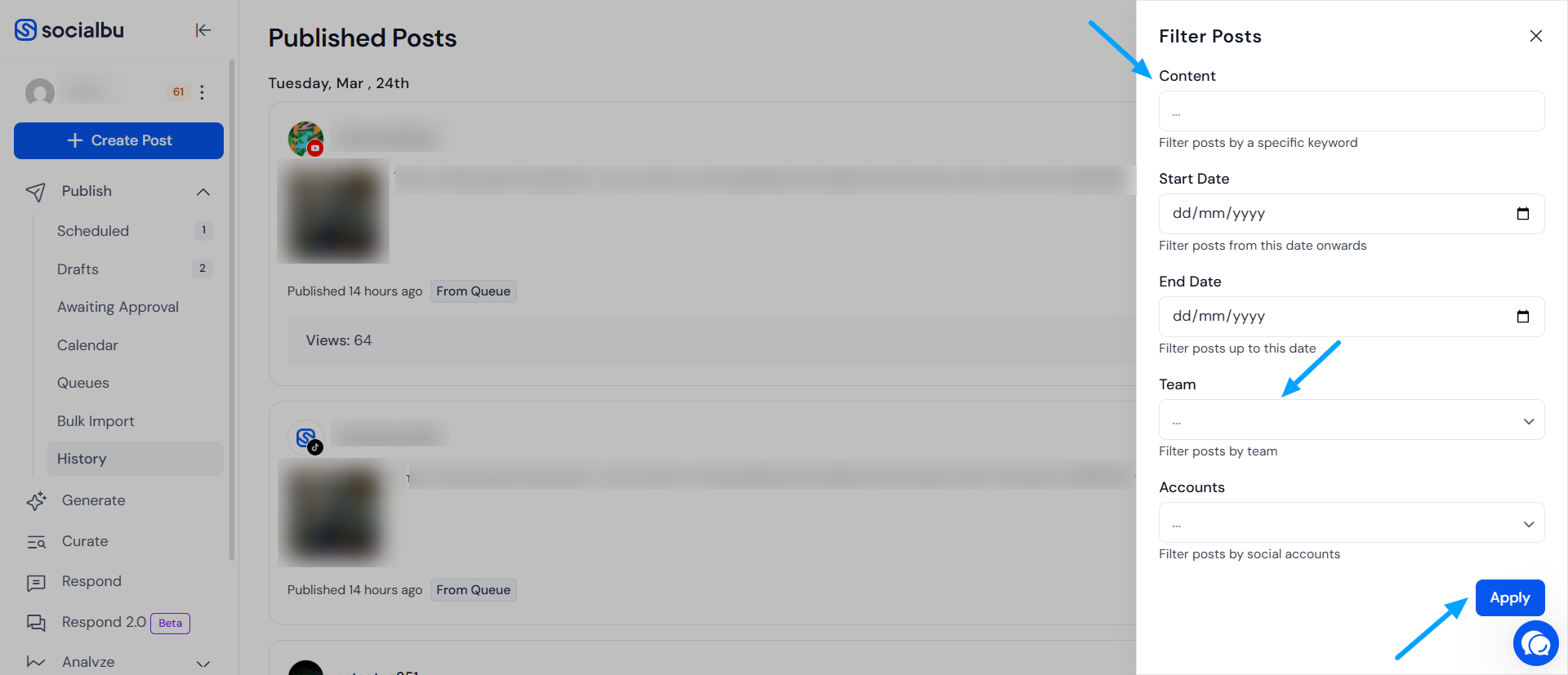
This section is especially useful when you want a more focused list of past content, without the calendar layout. A filter panel will appear on the right-hand side of the screen, allowing you to easily refine your post search.
Within this panel, you can:
Search published posts using specific keywords
Generate weekly, monthly, or yearly publishing reports
Filter content by team
Narrow results by connected social accounts
This makes it simple to quickly find and analyze the posts you’re looking for.
FAQ’s
Where can I delete the already published post?
If your post has been published already, you have to delete it directly from your account.
Does the “History” feature contain all the posts published on the social accounts?
The history feature contains all the posts that you have published through SocialBu.
Where can I delete posts from the History section?
You can’t delete posts from the History section, as it serves as a record of all the posts you’ve published through SocialBu.
Need Further Assistance?
If you have further questions or need assistance, feel free to reach out to our support team.