Updating Your Account Email Address or Password
In case you want to change your email address, or add another person’s email to your socialbu account, making him the admin of your account, all you will need to do is go to your SocialBu account settings > My Profile
Written By Ghina Rehman
Last updated 5 months ago
Change your email address
If you’d like to update the email address associated with your account, please enter your new email address in the field provided below.
Make sure to use an active email that you have access to, as you may need to verify it before the change is completed.
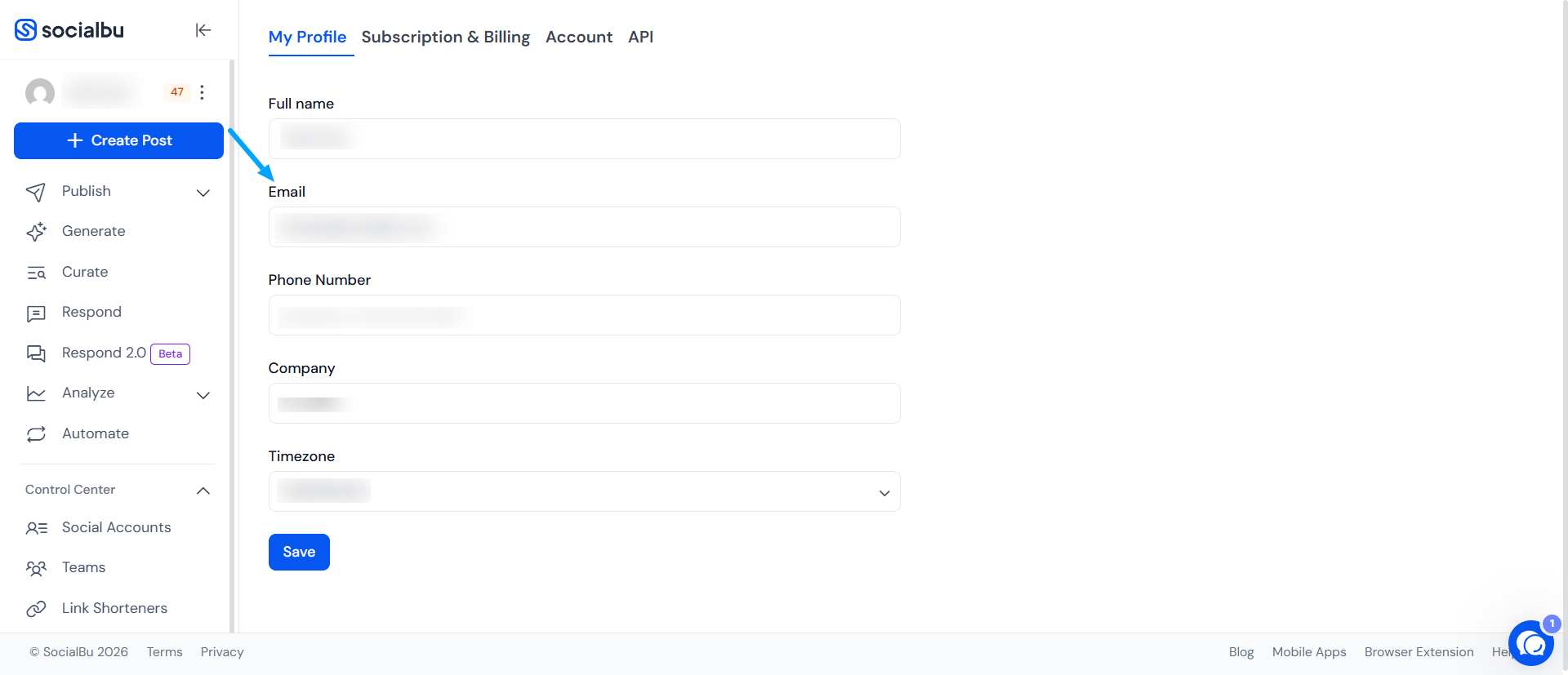
Note: If you haven’t received the verification email on the new email, please be sure to check your spam/junk folder.
Setting up the time zone
When your timezone is set properly, the app can match your posting times to your local time, so there’s no confusion or mistakes. This helps you stay on track, especially if you're planning posts ahead of time or working with people in different parts of the world. Setting your timezone makes scheduling smoother and helps your posts show up exactly when you want them to.
Locate the time zone field and choose your current time zone from the dropdown menu.
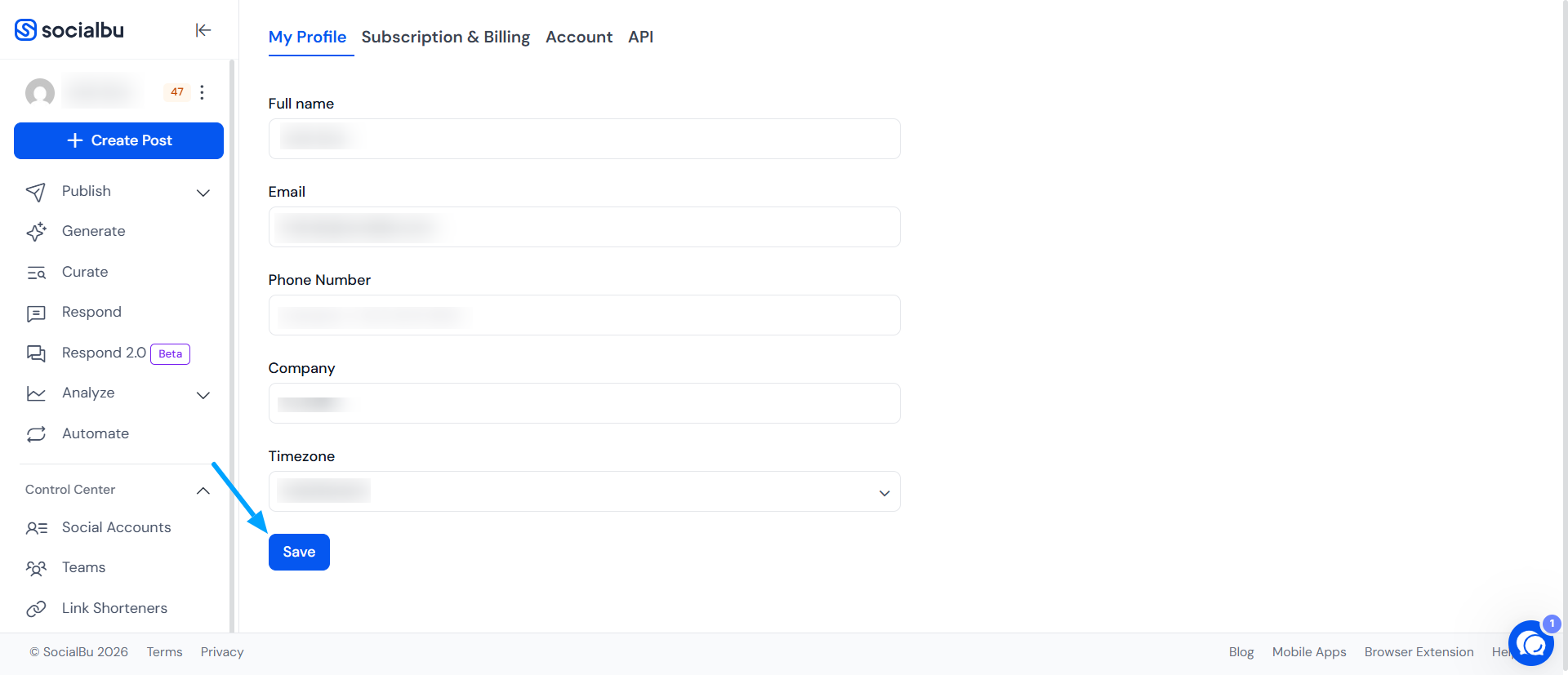
Save Changes
After selecting the appropriate time zone, click 'Save' to apply the changes. Once saved, all your scheduled activities within SocialBu will adhere to the newly set time zone.
Changing password
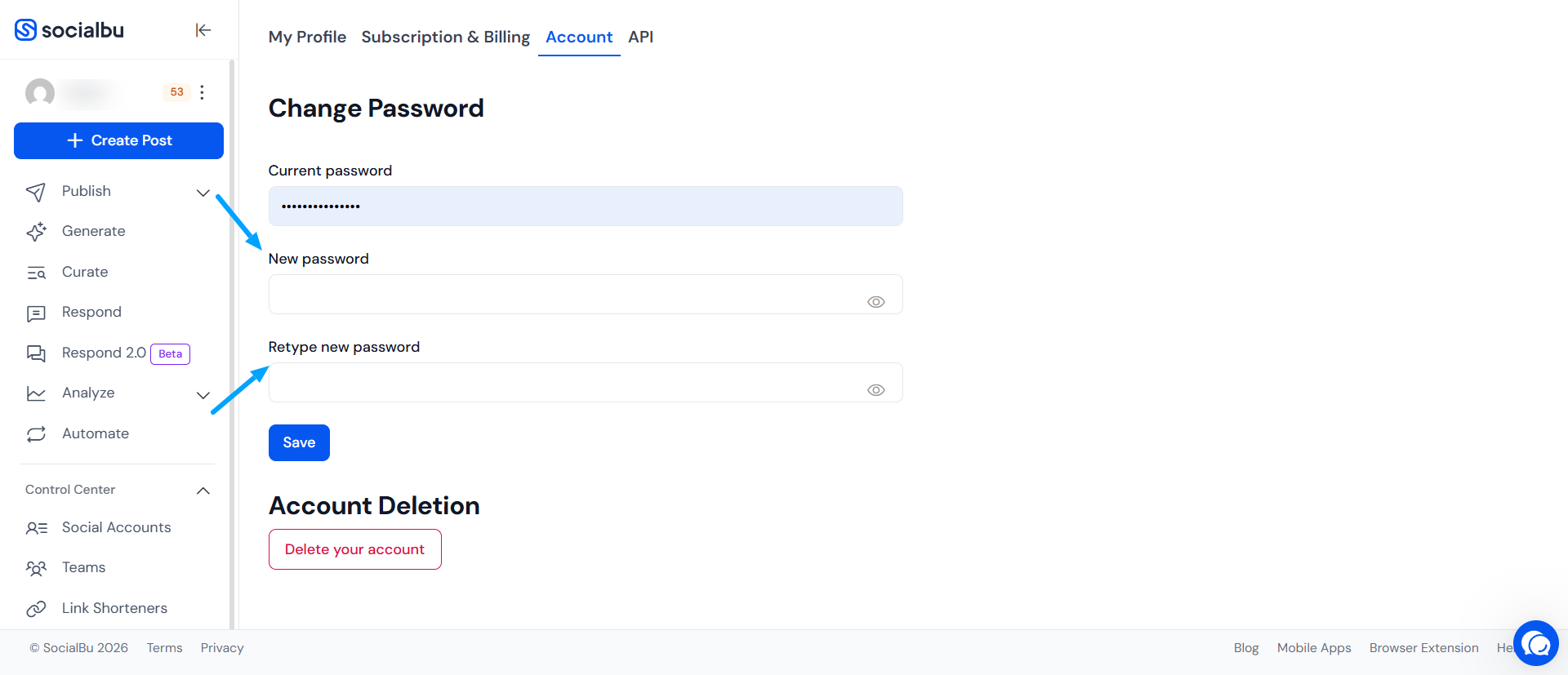
Go to Accounts in Settings and enter the current password of your SocialBu account, and retype your New Password that you would like to have after changing your password.
Need Further Assistance?
In case of any confusion or concern, email us at support@socialbu.com.