Where can I find my scheduled posts?
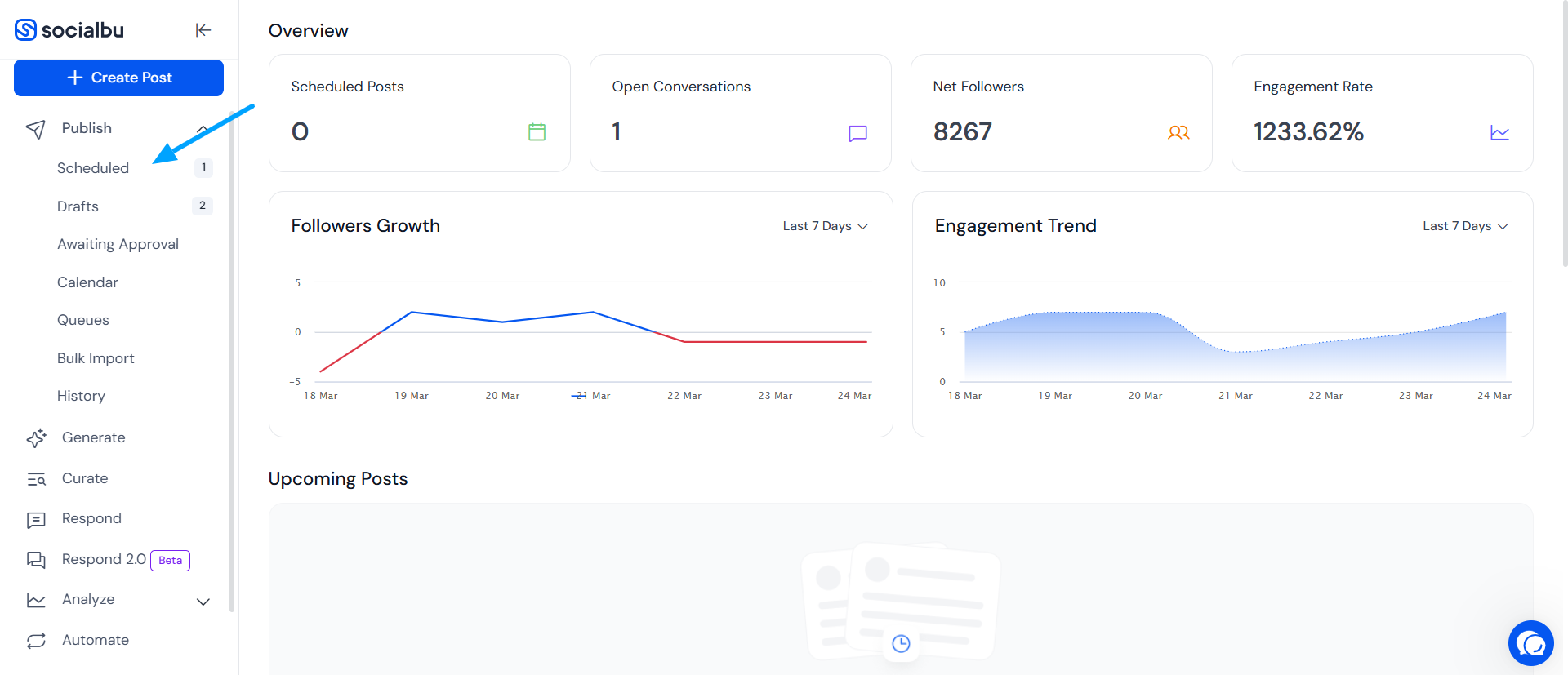
You can easily access and manage your scheduled posts by navigating to the Publish feature. This section allows you to see all upcoming posts and make any necessary changes before they go live.
Written By Farwa kazim
Last updated About 2 months ago
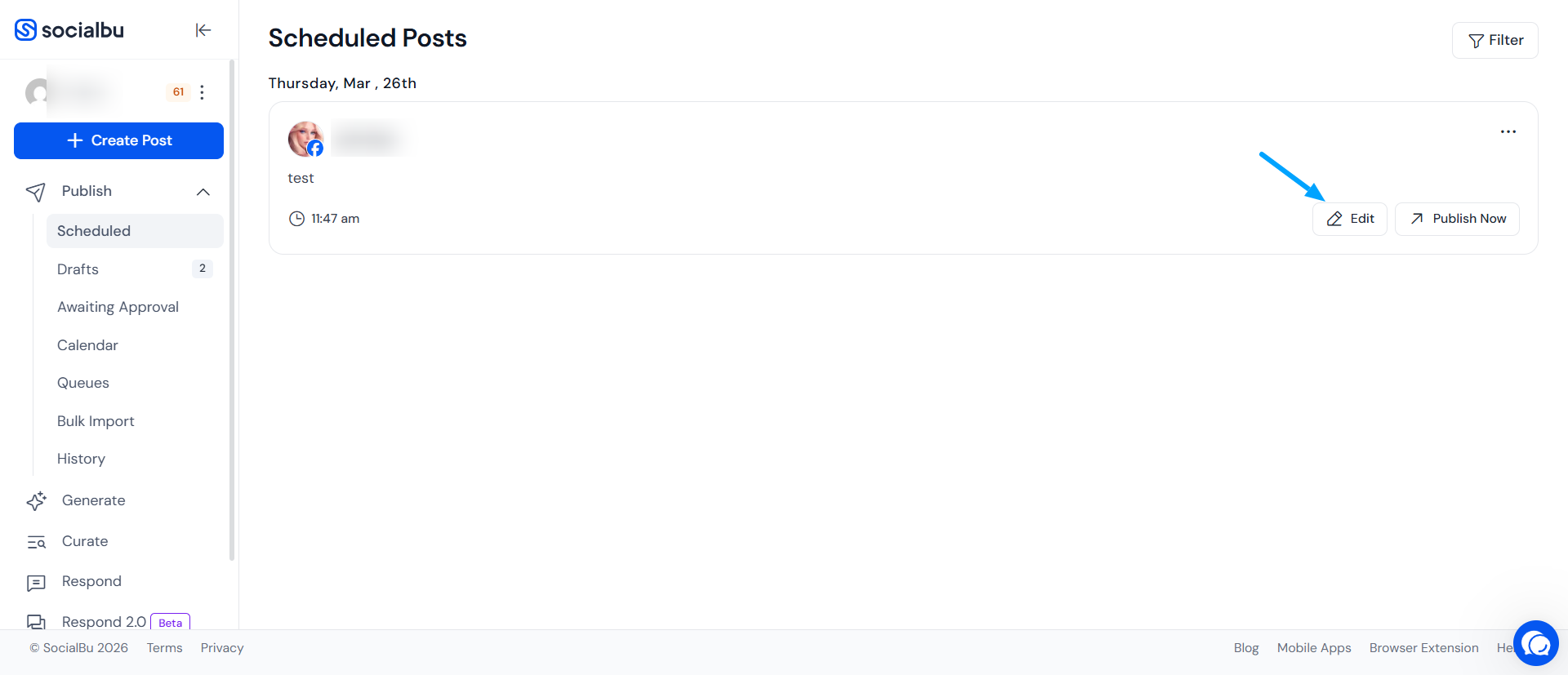
Editing, duplicating, or deleting the Scheduled Posts
You can edit your scheduled posts at any time before they are published.
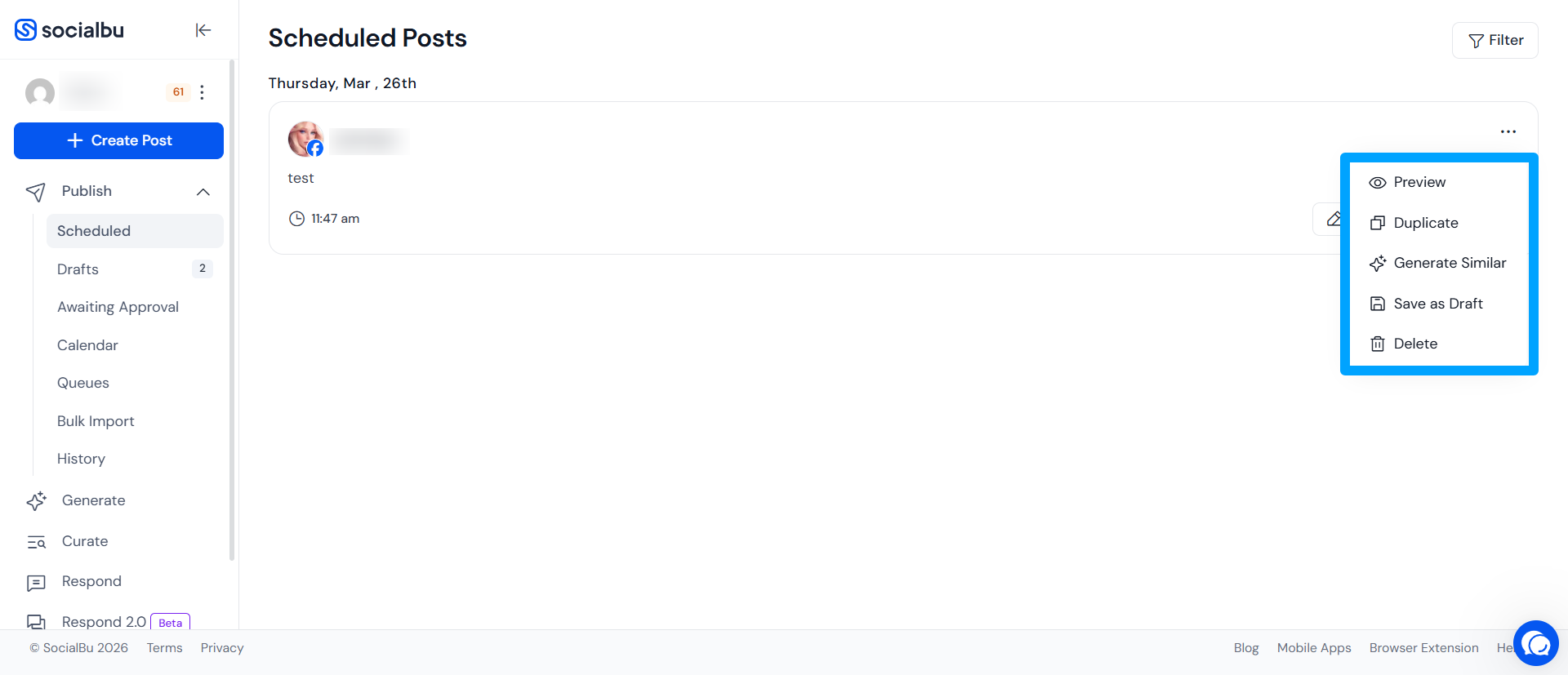
In addition to scheduling, you have full control over your posts.
You can preview how a post will appear before it's published
Duplicate a post to reuse or modify it
Save a scheduled post as a draft if it needs more work
Or delete it entirely if it's no longer needed.
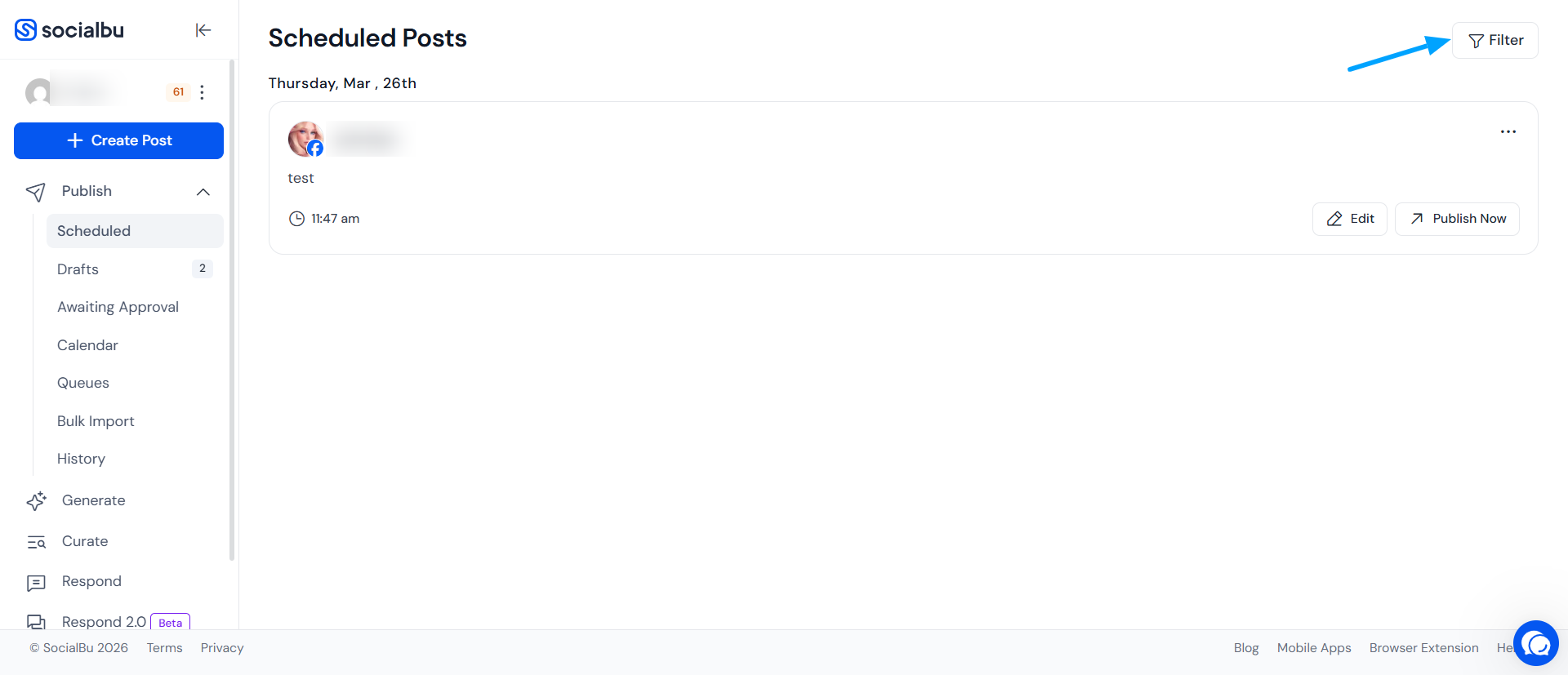
Searching for specific scheduled posts, team, or accounts
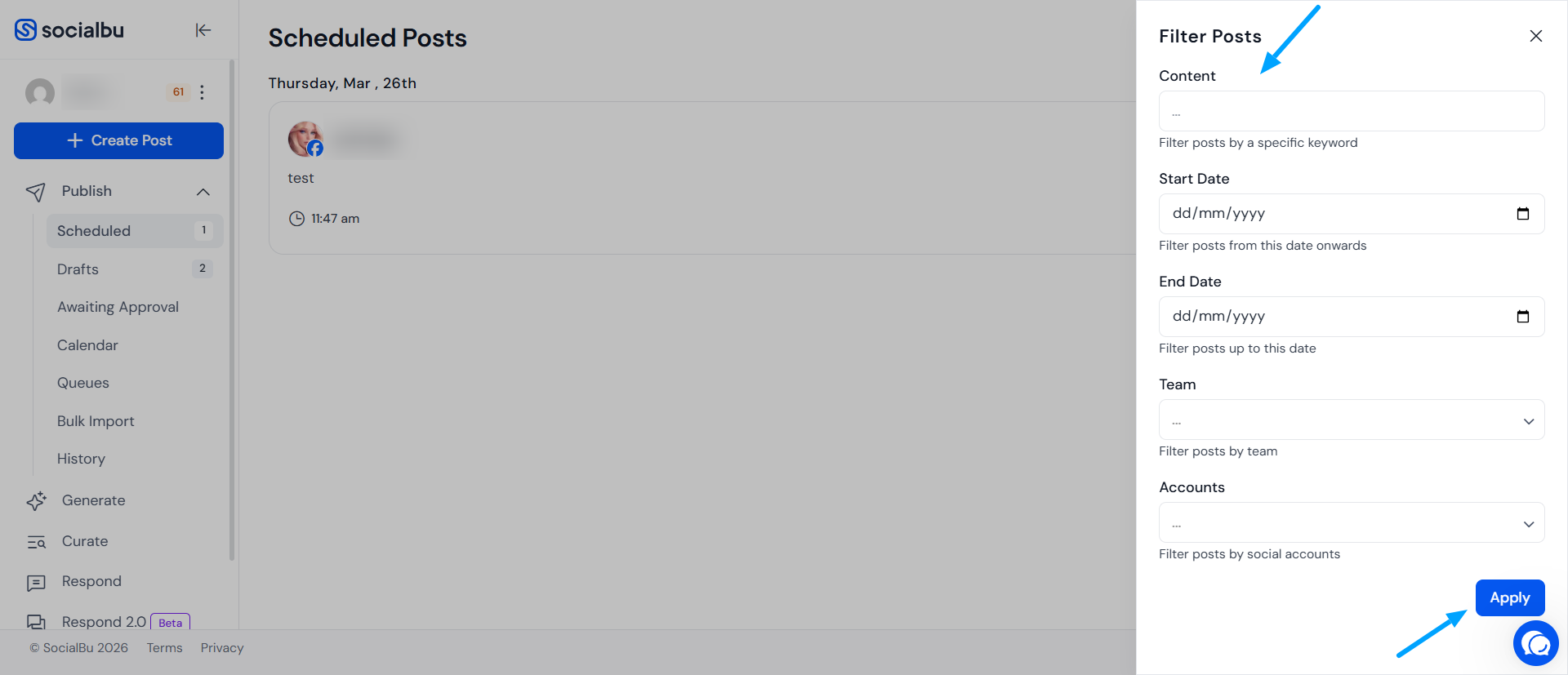
Click on the Filter option located in the top-right corner of the screen to open the filtering options.
Use the available filters to quickly locate your posts. You can filter results by content, team, and accounts to narrow down your search.
To generate time-based reports, use the date filter by selecting the start date and end date for the period you want to review.
Need further Assistance?
If you have any other concerns or queries, email us at support@socialbu.com 📩